

How to install OptimAI Node
Guide to installing OptimAI Node on xNode service
xNode is excited to announce support for the launch of OptimAI Node. We have also created a guide especially for our users.
Step 1 — Purchasing OptimAI Node
Head to xNode site.
Select “OptimAI” and choose your desired rental duration.
Confirm your purchase by clicking “Checkout”.
Monitor the “Active Nodes” section to verify the deployment status.
Step 2 — Grab Your Keys
Once your OptimAI node shows as “Installed”, click on the 🔑 icon on the right-most side of your subscription row to retrieve the Seed Phrase and email + pass.
Step 3— Node Dashboard
Go to OptimAI Dashboard.
SignIn using email + pass that you obtained in section 2.
Here you can monitor the performance of all your nodes.
Step 4 — Log in to your email (Optional)
Go to Mail.tm
Click on the profile icon and select Login.
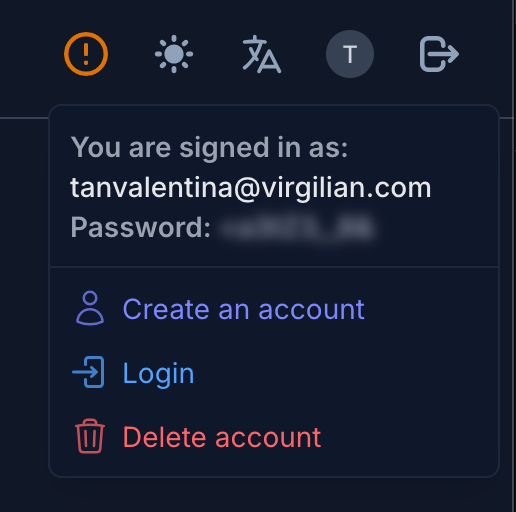 3. Enter the login credentials from the email you obtained in step 2.
💡Need help? Join our Discord for support and updates!